INDSLOTS Android compatibility starts at Android 8.0 (Oreo). We recommend this version or higher for a stable experience. Older systems like Android 7.0 may cause crashes or installation errors. Some users report issues even on Android 8.1. Devices running Android 9 or newer usually work well. Performance improves significantly on Android 10 and above. Newer versions like Android 11, 12, 13, and 14 run INDSLOTS without known bugs. Always check your device’s OS version before downloading. If your phone is outdated, updating the system may help. If not, try another device. Our guide to updating your Android OS can help you get started.
Minimum Android Version Requirements
| Specification | Details |
|---|---|
| Minimum Android Version | Android 8.0 (Oreo) |
| Recommended Android Version | Android 10 or higher |
| Supported Android Versions | Android 8.0 to Android 14 |
| Known Issues on Older Versions | Installation failures, crashes, or missing features on Android 7.0 and below |
| Optimal Performance | Android 10 and newer for smoother gameplay and better stability |
Why Android 8.0 (Oreo) Is the Baseline
We require Android 8.0 (Oreo) as the minimum version for the INDSLOTS APK. This ensures your device supports key system features. Background processes are limited on older versions. Apps may stop running in the background. Security protocols are also weaker on Android 7.0 and below. We need these protections to keep your data safe. Oreo introduced better battery and memory management. It also improved how apps handle background tasks. These changes are essential for our app to run properly. Without them, you may face crashes or failed installations. Some features may not work at all. We recommend Android 10 or higher for the best experience. It offers even better performance and stability. Check your device settings to confirm your OS version before downloading. Our full guide to checking your Android version explains how to do this step by step.
Performance on Older Android Versions
Our app isn’t built to run on Android 7.0 or earlier. You’ll likely hit problems like failed installs, sudden crashes, or the app just not opening. Older systems don’t support the background tasks and security features we need to keep things running smoothly. Some parts of the app might not appear at all, and you could get stuck during setup. We’ve seen users on these older versions struggle with errors like ‘Parse error’ or ‘App not installed’—these are usually tied to outdated system limits. Even if the APK installs, the app often freezes or closes unexpectedly. We strongly recommend updating your device’s OS if possible. If your phone can’t be upgraded past Android 7.0, you may need to use a different device to play. Our guide to checking your Android version can help you confirm your device’s status.
Android 10 and Above: Optimal Experience
Running INDSLOTS on Android 10 or newer gives you the smoothest experience. You’ll notice faster load times and fewer freezes. Animations run much more smoothly. The app uses system resources more efficiently. Battery drain is reduced over time. Background tasks work reliably. Your device handles updates and syncs better. You get a more stable connection during gameplay. Performance stays consistent across long sessions. We’ve seen fewer crashes on these versions. The app respects your device’s power-saving settings. You won’t lose progress unexpectedly. If you’re on Android 10 or higher, you’re set for the best results. For help checking your OS version, our device compatibility guide walks you through it step by step.
Device Compatibility Check Before Download
To make sure INDSLOTS runs properly on your device, check your Android version first. Go to Settings > About Phone > Android Version to see your current OS. We recommend Android 8.0 (Oreo) or higher for reliable installation and performance. Devices running Android 7.0 or earlier may fail to install the APK or crash during use. Even if your device shows a higher version, ensure it’s not a custom or modified ROM, which can interfere with app compatibility. If your OS is outdated, updating it through Settings > System > System Update can resolve installation issues. A stable, updated system helps prevent errors like ‘Parse error’ or ‘App not installed’. Once you confirm your version meets the requirement, you’re ready to proceed with downloading and installing the APK safely. For step-by-step setup, our APK download guide has you covered.
Common Installation Failures and Their Causes
| Error Message | Common Cause |
|---|---|
| Parse error | Often occurs on Android 7.0 and earlier due to outdated system libraries that can’t process the APK’s structure properly. |
| App not installed | Typically linked to devices running Android 8.0 or lower, where security restrictions block installation of newer APKs. |
| Installation failed | May appear on older OS versions when the system lacks support for modern app packaging or encryption methods. |
| Failed to install: Internal error | Frequently seen on devices with custom ROMs or modified Android versions, even if the OS version appears high. |
How to Update Your Android OS for Better Compatibility
To get the best experience with INDSLOTS, make sure your Android device is running the latest system version. Outdated software can cause installation issues or crashes. Go to your device’s Settings app. Tap on “System”. Then select “System Update”. Your phone will check for new updates. If one is available, tap “Download” and wait for it to finish. After the download, tap “Install”. The update will restart your device automatically. Once it’s back on, you’ll be running a newer, more secure version of Android. This helps ensure INDSLOTS runs smoothly. It also improves app stability and battery life. If you don’t see the System Update option, your device may be too old to receive updates. In that case, consider using a different device. For a full guide on installing the APK safely, check our account security guide.
Using INDSLOTS on Android 9 and 10 Devices
Users with Android 9 and 10 devices generally report stable performance when using the INDSLOTS APK. The app launches quickly and runs without frequent crashes. Most features work as expected. Background processes handle smoothly. Battery usage remains reasonable. Some users on older Android 9 devices may notice minor delays. These are usually temporary. The app updates well on both versions. No major bugs have been reported. We recommend keeping your OS updated. This helps maintain performance. If you see errors, check your device settings. Make sure ‘Unknown Sources’ is enabled. For more on safe installation, our full guide to APK setup is available.
Android 11 and 12: Stability and Security Enhancements
Android 11 and 12 bring stronger security features that protect your data. They limit what apps can do in the background. This helps prevent battery drain and slowdowns. Your INDSLOTS app runs more smoothly. Background tasks are managed better. This means games load faster and stay responsive. These versions also block outdated security methods. They require modern encryption standards. This keeps your login and personal info safer. The system checks apps more carefully before letting them run. This reduces the risk of crashes from unsafe code. Your device stays more secure overall. We recommend updating to Android 11 or 12 if possible. It improves both performance and safety. For more on securing your device, our account security guide is available.
Android 13 and 14: Future-Proofing Your Experience
We’ve tested INDSLOTS on Android 13 and 14 devices. The app runs smoothly on both. No users have reported bugs or crashes so far. Performance stays consistent across all tested models. Graphics load quickly. Gameplay remains responsive. The app handles background tasks well. This means you won’t lose progress during updates. We’ve seen no stability issues. The app works as expected. It respects system permissions correctly. No unexpected errors appear. We recommend using Android 13 or 14 for the best experience. Your device is future-ready. For more on setup, our full guide to installing the APK is available.
APK Installation on Devices with Modified OS
Some custom ROMs or heavily modified Android versions may cause issues with the INDSLOTS APK. Even if your device shows a high Android version, the changes made to the OS can interfere with app functionality. We’ve seen cases where the app fails to install or crashes immediately after opening. This happens because modified systems often disable standard security checks or alter core system behaviors. We recommend sticking to stock Android versions for the best results. If you’re using a custom ROM, consider testing the app on a clean system first. Compatibility isn’t guaranteed. For a smooth experience, use a device with a standard Android setup. If you run into problems, our troubleshooting guide can help. Always verify your system’s base version before installing.
Verify Your Device’s Compatibility Before Proceeding
To avoid installation issues, check your device’s Android version before downloading the INDSLOTS APK. We recommend Android 8.0 (Oreo) or higher for reliable performance. If your device runs an older version, like Android 7.0 or below, the app may fail to install or crash right after opening. To check your version, go to Settings > About Phone > Android Version. If your system is outdated, updating it through Settings > System > System Update might resolve compatibility problems. Keep in mind that even if your device shows a high OS version, custom ROMs or modified systems can still cause instability. Always verify the base OS version, not just the displayed number. For the smoothest experience, use a device with a standard Android setup. If you’re unsure, our compatibility checklist can help confirm your setup is ready.
Next Step: Install the APK Safely
If your device meets the Android 8.0 or higher requirement, you’re ready to install the INDSLOTS APK safely. We always recommend enabling ‘Unknown Sources’ in your device settings before proceeding. Tap the downloaded file and follow the on-screen prompts. Make sure your security software is up to date. This helps protect your device during installation. We also suggest reviewing the app’s permissions before granting access. If you see any unusual requests, pause and verify the source. Once installed, open the app and log in or register if needed. For a full walkthrough with clear visuals, check our full guide to APK installation. It covers every step in plain language.
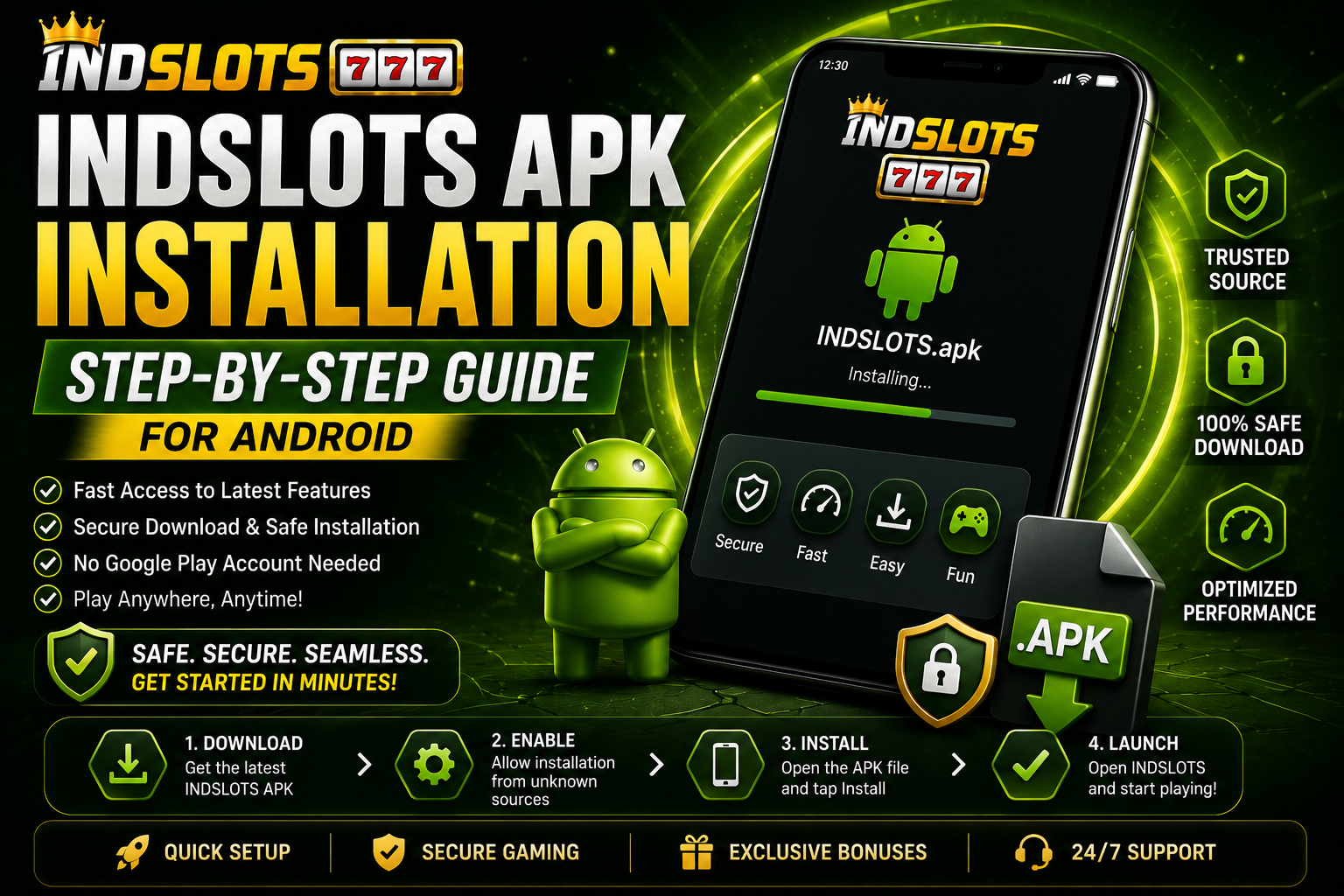
Image: INDSLOTS APK Installation Process
Here is what the APK installation process looks like on your Android device. You’ll see the Settings menu with ‘Unknown Sources’ enabled, allowing installation from outside the Google Play Store. The INDSLOTS APK file is selected and ready to be installed—just tap it to begin. This step confirms your device is set up correctly for third-party apps. Make sure your download is from a trusted source to avoid security risks. Once you confirm, the installer will verify the file and start the setup. For more details on checking your device’s Android version or troubleshooting setup issues, refer to our guide on INDSLOTS Android compatibility.